
Snippet: never-share.mdx
Create a new app
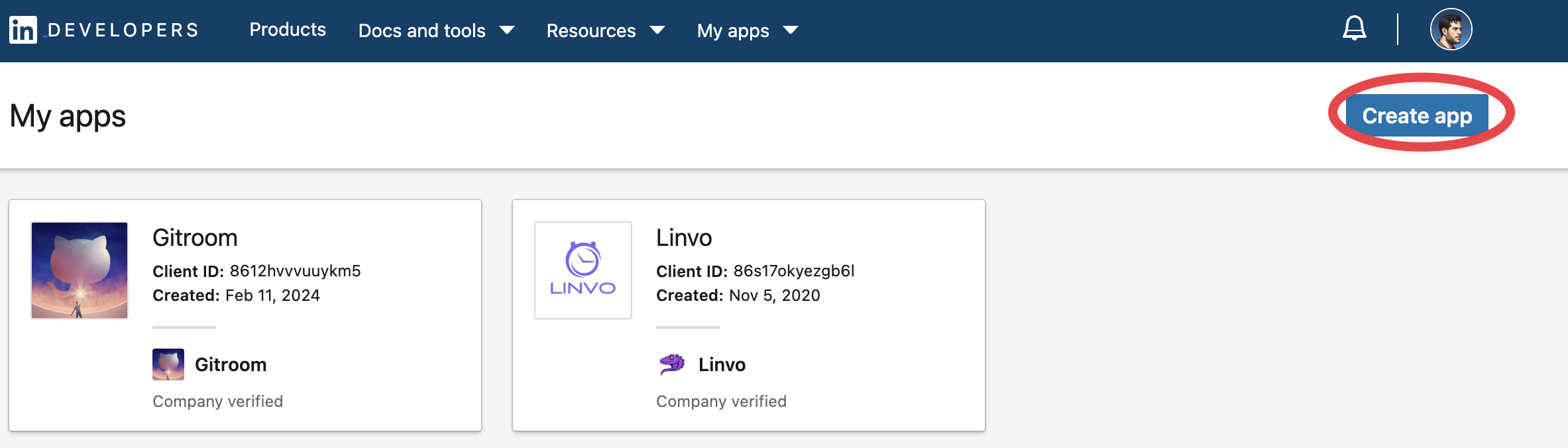
Head over to LinkedIn developers and create a new app.
Add required products
Fill in all the details, once created head over to Products and make sure you add all the required products.
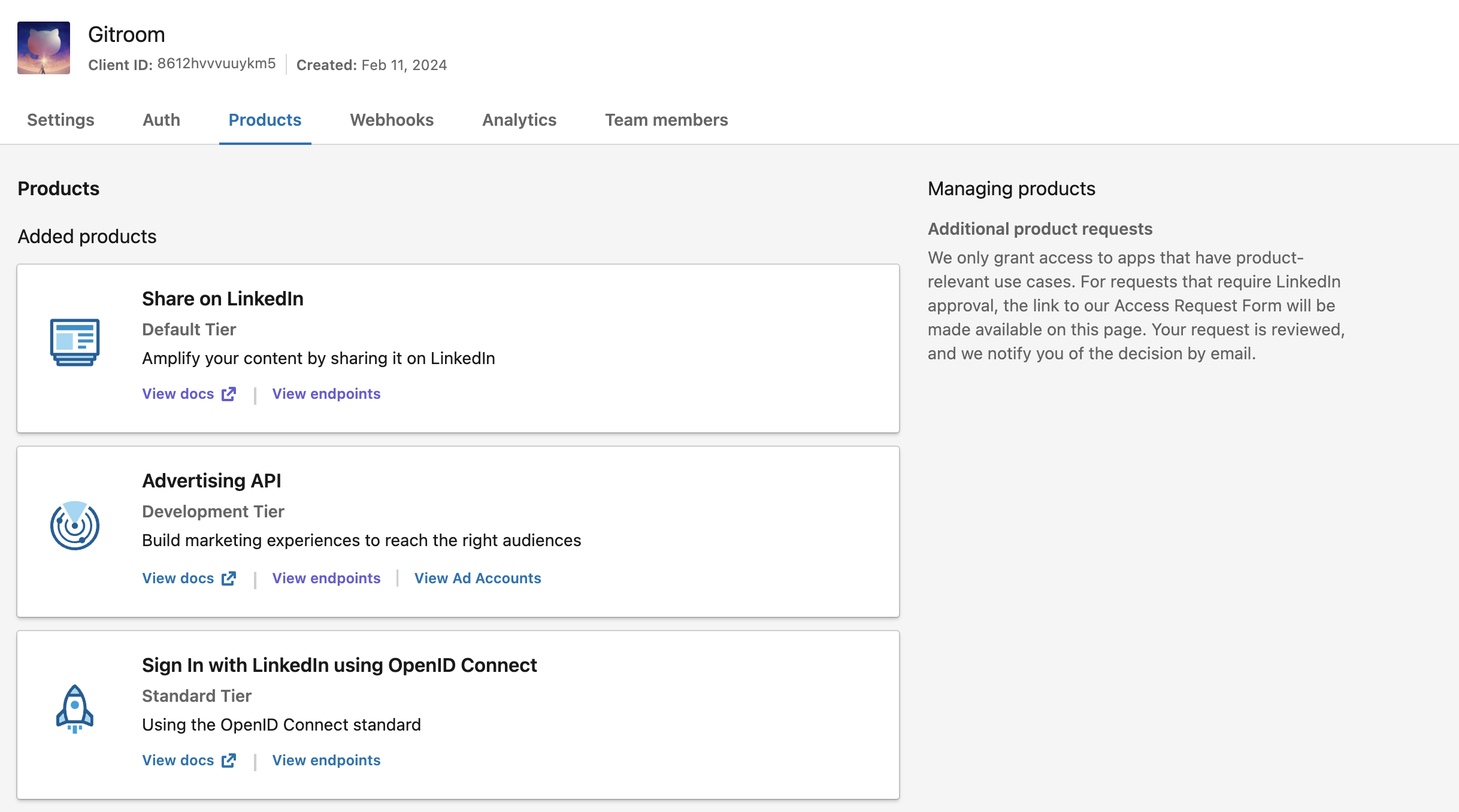
Warning: It is important to request the Advertising API permissions and fill up the request form, or you will not have the ability to refresh your tokens.
Configure OAuth2 Redirect URI
Snippet: oauth2redirect.mdx
Your LinkedIn OAuth2 Redirect URI:
- Production:
https://your-postiz-domain.com/integrations/social/linkedin - Local development:
http://localhost:4200/integrations/social/linkedin - Docker:
http://localhost:5000/integrations/social/linkedin
Copy your credentials
Copy the created
Client IDClient Secret.envLINKEDIN_CLIENT_ID="" LINKEDIN_CLIENT_SECRET=""
You can find those under the Auth Tab of your LinkedIn App in the developer portal.